When using the Inspector in browser developer tools, I like as much space as possible for displaying elements, styling, and layout. Unfortunately, I frequently accidentally hit the escape key while the dev tools are open. This toggles the console to display below the regular inspector section.
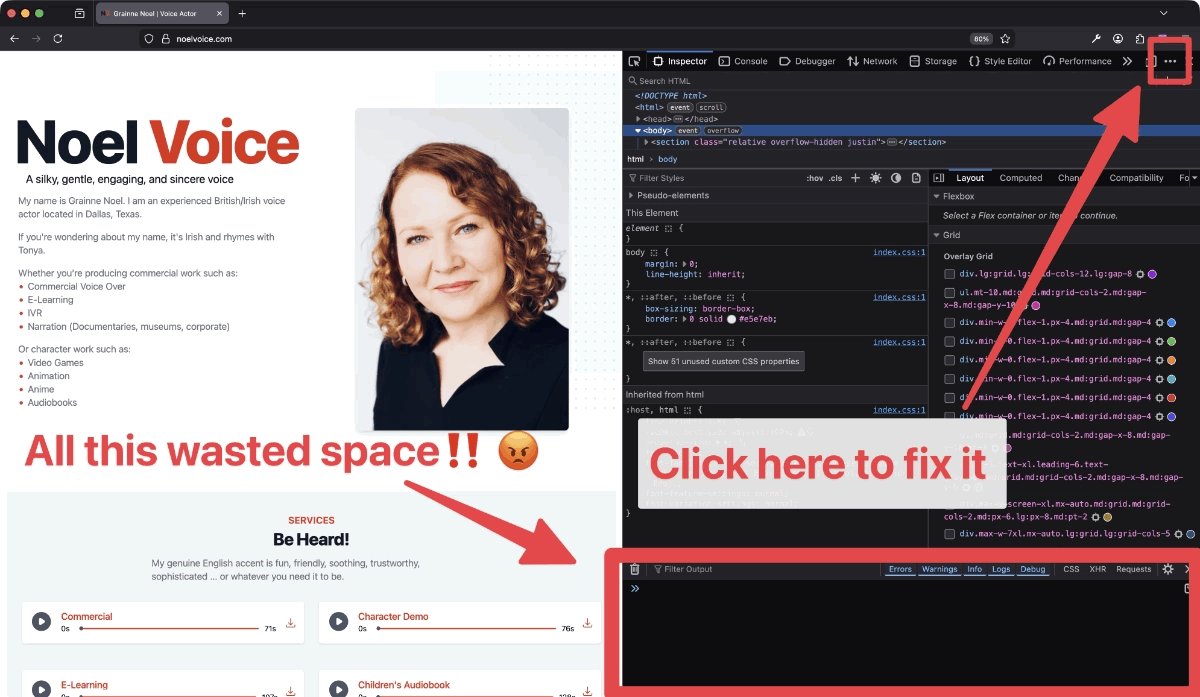
Depending on your settings, this may take a good portion of your inspector area. It frustrates me to no end. Sure, I can just press the escape key again to toggle it back off. However, I finally figured out a way to permanently stop this from happening.
- At the top right corner of dev tools (near the close button), click the three dot menu (ellipsis)
- Click "Settings"
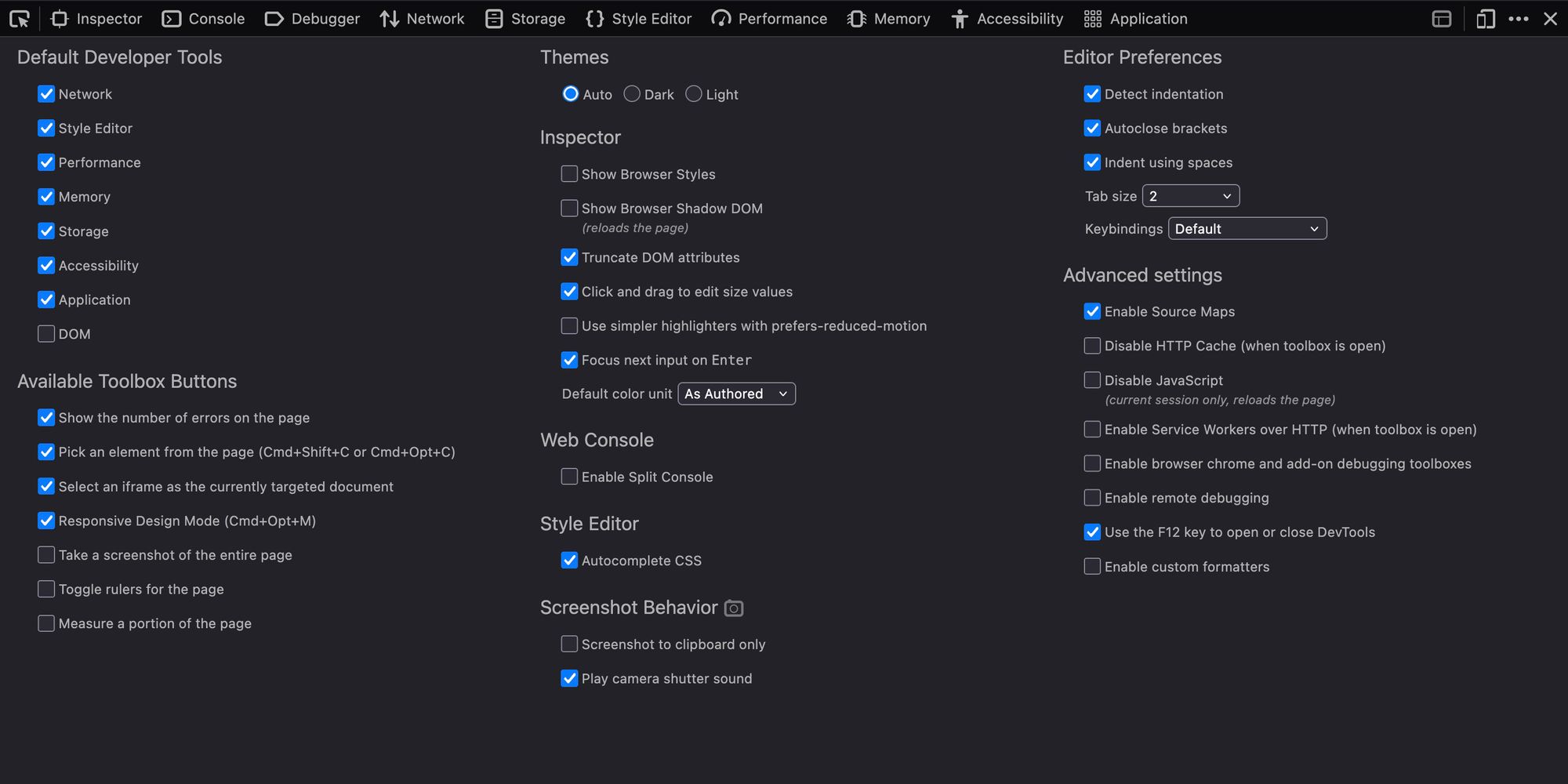
- Look for the "Web Console" section, ands disable "Enable Split Console"
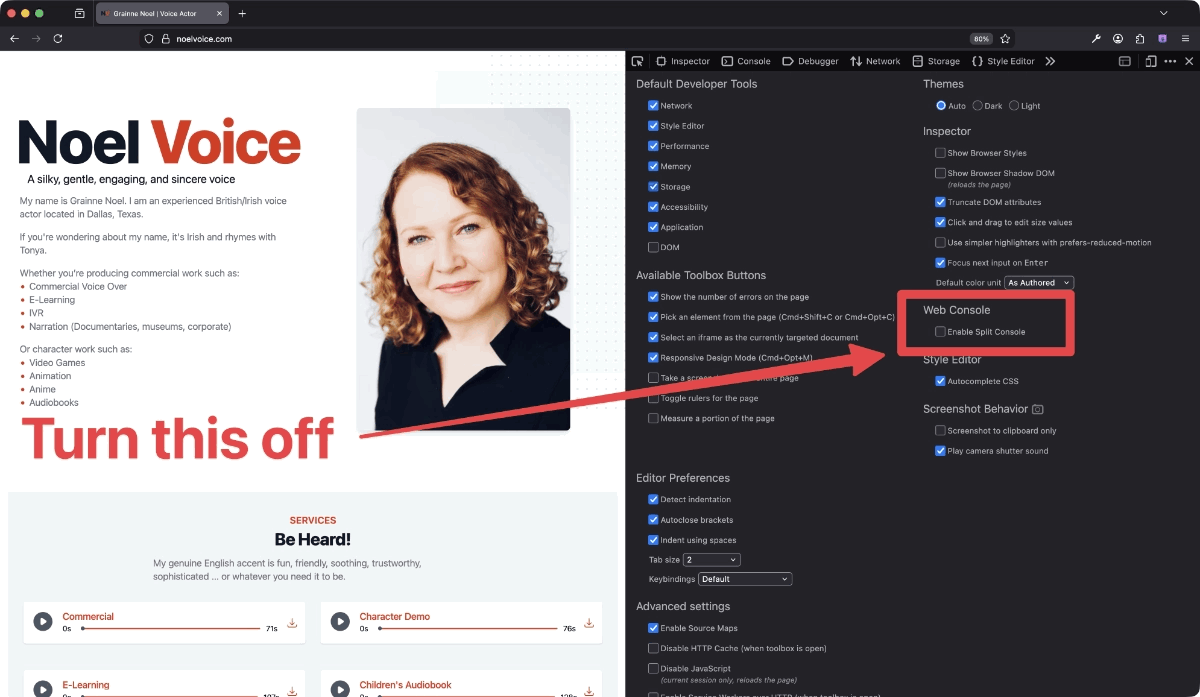
Tada! No more wasted space. Unfortunately, this only works in the Firefox-based browsers. I haven't been able to find a way to do this in Chromium-based browsers.
